Choose a test user to login and take a site tour.
To continue using the site you need to read the revised version and agree to the policies
Search in Photos
Search in Albums
Search in Members
Search in Articles
Search in Blogs
Search in Businesses
Search in Events
Search in Groups
Search in Listings
Search in Music Albums
Search in Music Songs
Search in Pages
Search in Questions
Search in Quotes
Search in Recepies
Search in Thoughts
Search in Videos
Search in Channels
Search in Wishes
Search in Prayers
Search in Discussions
Search in Products
Search in Jobs
Search in Products
11 minutes, 26 seconds
-35 Views 0 Comments 0 Likes 0 Reviews
Buying a gaming laptop used to be simple: pick the biggest GPU you could afford and call it a day. That approach doesn't work anymore. In 2026, the line between "gaming laptop" and "premium creator laptop" has blurred, GPUs come in wildly different power configurations even within the same model number, and displays range from 1080p budget panels to jaw-dropping 4K OLED screens.
This guide breaks down exactly what matters when choosing a gaming laptop today CPU and GPU considerations, display technology, battery life trade-offs, and how popular high-end machines like the Lenovo Yoga Pro 9i and the Dell 16 Premium laptop actually stack up when gaming is part of your workload, not just your creative work. By the end, you'll know which specs actually move the needle and which laptop category best fits how you use your machine.
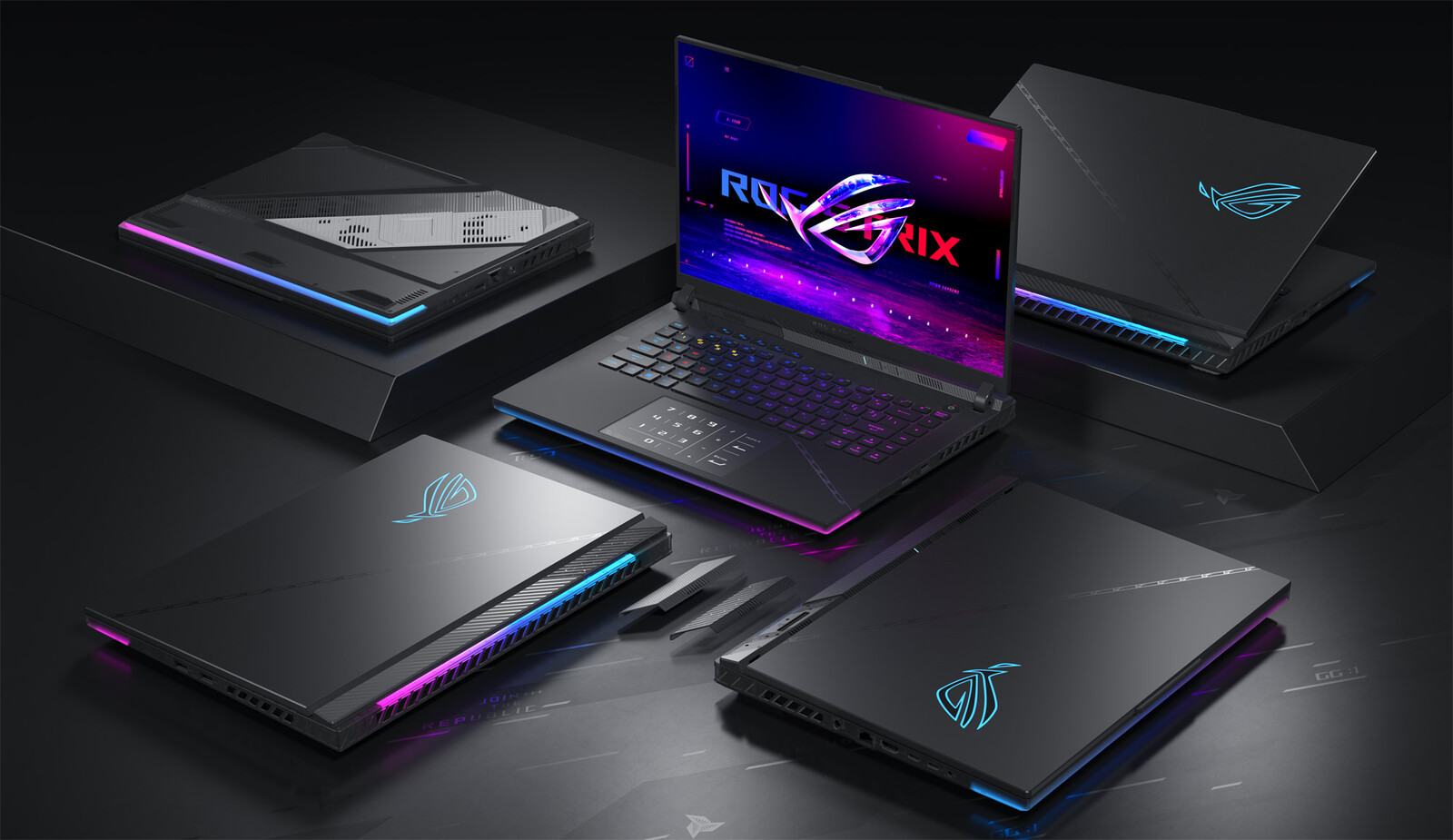
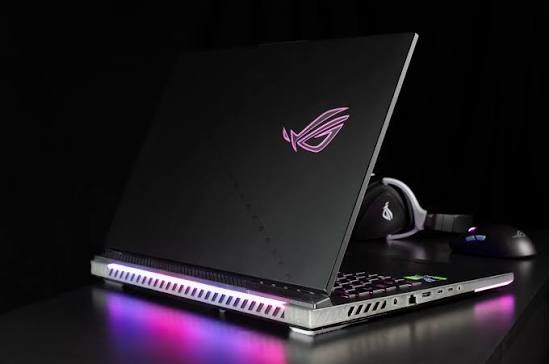
A true gaming laptop is built around three priorities: a discrete GPU with enough sustained power (TGP, or total graphics power) to run modern titles smoothly, a high refresh-rate display, and cooling that can handle hours of sustained load without throttling. Everything else battery life, weight, chassis materials is secondary.
This is an important distinction, because a growing number of thin-and-light "creator" laptops now ship with the same GPU chips found in dedicated gaming machines, but tuned down to a much lower wattage. A GPU labeled RTX 5070 in one laptop might run at 60W, while a dedicated gaming laptop with the identical chip runs it at 140W or more. The wattage difference can mean a 30–40% swing in real-world frame rates, even though the spec sheet lists the same GPU name.
GPU wattage (TGP), not just the model name. Always check the total graphics power, not just "RTX 5060" or "RTX 5070."
Display refresh rate. 120Hz or higher matters far more for competitive gaming than resolution.
Cooling design. Vapor chamber cooling and multiple fans sustain performance during long sessions.
RAM and storage. 16GB is now the practical minimum; 32GB is safer for multitasking or streaming while you play.
Battery life. Gaming laptops are almost always plugged in during play, so don't let marketed battery numbers drive your decision if gaming is the primary use case.
This is where many buyers get confused, and it's worth addressing directly. Machines like the Lenovo Yoga Pro 9i and the Dell 16 Premium laptop are marketed primarily as premium creator and productivity laptops, not dedicated gaming rigs but both are commonly shopped by people who want strong gaming performance plus a machine they can use for everyday work. Understanding what you're actually getting matters more than the marketing category on the box.
The Lenovo Yoga Pro 9i has evolved significantly since its 2023 debut, and the current generation is built around Intel's Panther Lake Core Ultra 300-series chips. Depending on configuration, it pairs that CPU with an Nvidia GeForce RTX 5050, RTX 5060, or in some regions an RTX 5070 GPU at up to 100W TGP.
What stands out most is the display: a 16-inch 3.2K Tandem OLED panel running at 120Hz with up to 1600 nits of peak brightness in the latest revision. For anyone who splits time between gaming, video editing, and everyday productivity, that screen is genuinely one of the best on the Windows side of the market. Battery capacity has also grown to 92Wh, and Lenovo's newer cooling solution reportedly keeps fan noise noticeably lower than prior generations even under gaming loads.
The trade-offs are real, though. Reviewers have consistently noted that out-of-the-box battery life underperforms its hardware potential until GPU-switching settings are tuned, and the laptop's charging ports are all clustered on one side, which can make desk setups awkward. It's also not going to out-game a similarly priced dedicated gaming laptop with a full-power GPU but as a do-it-all machine, it's hard to beat.

The Dell 16 Premium laptop (the rebranded successor to the XPS 16 line) takes a similar approach: premium build quality, a gorgeous OLED option, and configurable Nvidia GPUs ranging from the RTX 5050 up through the RTX 5070 at around 60–65W TGP. That lower GPU wattage compared to dedicated gaming laptops is the key takeaway it's capable of gaming, including modern titles at 1080p with upscaling technology like Intel XeSS enabled, but it won't match the frame rates of a purpose-built gaming laptop using the same GPU chip at higher wattage.
Where the Dell 16 Premium genuinely excels is battery life and everyday polish: some testing has shown well over 13 hours of battery life on the newest Panther Lake-based models, which is unusual for any laptop with discrete graphics. The trade-off is a smaller, quieter GPU footprint that prioritizes efficiency over peak gaming performance.
Consider two hypothetical buyers. The first is a computer science student who games occasionally, edits video for a side project, and needs a laptop for lectures and long study sessions. For this buyer, a machine like the Lenovo Yoga Pro 9i makes sense: the display and keyboard support daily productivity, the GPU handles most games at high settings, and there's no need to also carry a separate gaming rig.
The second buyer is a competitive gamer who plays fast-paced shooters where every frame matters and rarely touches creative software. For this person, a dedicated gaming laptop with a full-power 140W+ GPU and a 240Hz+ display will deliver a noticeably better experience, even if the chassis is bulkier and the battery life shorter. The lesson: match the laptop category to how you actually spend your time, not just to the GPU name on the spec sheet.
Premium creator laptops with gaming capability (e.g., Lenovo Yoga Pro 9i, Dell 16 Premium):
Pros: Excellent displays, better battery life, more portable, strong everyday productivity performance
Cons: Lower-wattage GPUs mean reduced peak gaming frame rates compared to dedicated gaming laptops
Dedicated gaming laptops:
Pros: Higher-wattage GPUs, higher refresh-rate displays, better sustained performance under load
Cons: Heavier, shorter battery life, often less refined for everyday productivity use
Is the Lenovo Yoga Pro 9i good for gaming? Yes, for most mainstream and moderately demanding titles, especially at 1080p to 1440p settings. It won't match a dedicated gaming laptop's frame rates in the most demanding AAA titles, but it comfortably handles the vast majority of games alongside excellent everyday usability.
Can the Dell 16 Premium laptop handle modern games? It can, particularly with upscaling technology enabled, though its GPU options run at lower wattage than dedicated gaming machines. It's a strong choice for someone who games occasionally but prioritizes battery life and portability.
Do I need 32GB of RAM for gaming? Not strictly 16GB is workable for gaming alone. But 32GB gives meaningful headroom if you stream, record, or run background creative apps while playing.
Is GPU wattage more important than the GPU name? For real-world gaming performance, yes. Two laptops with the "same" GPU can perform very differently depending on how much power that GPU is allowed to draw.
Choosing a gaming laptop in 2026 comes down to being honest about your priorities. If gaming performance is your absolute top priority, a dedicated gaming laptop with a high-wattage GPU and high-refresh display will always win. But if you want one machine that handles gaming well and excels at everyday work, creative projects, and portability, laptops like the Lenovo Yoga Pro 9i and the Dell 16 Premium laptop are worth serious consideration provided you go in with realistic expectations about GPU wattage and frame rates.
Have you tested one of these laptops for gaming, or are you deciding between a dedicated gaming rig and a creator laptop that can also game? Share your experience in the comments, and if this guide helped clarify your decision, pass it along to a friend who's laptop shopping too.
We are a secure community with 5000+ active members who help you with your queries, post new updates and grow your network.
Gurugram, India
Copyright ©2026